

Chat Reporting Helper
Resource pack · by robotkoer · 18.4M downloads · Minecraft 26.3
Why this pack exists
Since Mojang added player chat reporting, the game shows several messages about "secure chat", "messages that can't be verified" and reportable chat. The default wording is technical and easy to misread – many players assume every server can report every message, which is not how it actually works.
Chat Reporting Helper is a small language-only resource pack that replaces those lines with short, plain explanations. It is the same pack shipped in the Fabulously Optimized modpack, and it is meant to inform, not to take a side on whether chat reporting is good or bad.
Which texts it changes
- Tooltips on the chat indicators next to messages.
- The label and tooltip of the report button.
- The pop-up warning about messages that cannot be verified.
- The "Only Show Secure Chat" option and its description.
- The placeholder text in the report reason box.
- Chat restriction descriptions, plus an extra section in the Realms introduction.
What it deliberately leaves alone: ban screens, report and ban reasons, the indicators and toasts themselves, and any actual game mechanics.
Requirements and compatibility
It is a normal resource pack, so it works in vanilla and in any modded setup – no loader needed. Supported game versions start at 1.19.4 and go up to current releases. It only affects your own client.
Since version 7.0 the pack no longer includes text for third-party chat mods; it focuses on vanilla strings only.
Who should use it
- Players who are unsure when and where chat can be reported.
- Parents checking whether their kids' servers enforce reporting.
- Realm and server owners who want their players to understand the rules.
- Modpack makers who want the topic explained clearly to newcomers.
Not every language is covered yet; translations are handled by the community through the project's Crowdin page.
FAQ
Does Chat Reporting Helper disable chat reporting?
No. It only changes wording. It does not hide indicators, block reports or modify any game behaviour; for that you would need a mod such as No Chat Reports.
Why do I still see the original text?
Your language may not be translated yet, so Minecraft falls back to the default phrases. Translations are community-made and you can contribute.
Does it work on Minecraft 1.19.3 or older?
No. It targets 1.19.4 and newer because the chat reporting system changed a lot at that point, and the author does not plan backports.
Gallery



Downloads by version
| Minecraft | Mod version | File | |
|---|---|---|---|
| 26.3 | 7.0 | 0.0 MB | Download |
| 26.2 | 7.0 | 0.0 MB | Download |
| 26.1.2 | 7.0 | 0.0 MB | Download |
| 26.1.1 | 7.0 | 0.0 MB | Download |
| 26.1 | 7.0 | 0.0 MB | Download |
| 1.21.11 | 7.0 | 0.0 MB | Download |
| 1.21.10 | 7.0 | 0.0 MB | Download |
| 1.21.9 | 7.0 | 0.0 MB | Download |
| 1.21.8 | 7.0 | 0.0 MB | Download |
| 1.21.7 | 7.0 | 0.0 MB | Download |
| 1.21.6 | 7.0 | 0.0 MB | Download |
| 1.21.5 | 7.0 | 0.0 MB | Download |
| 1.21.4 | 7.0 | 0.0 MB | Download |
| 1.21.3 | 7.0 | 0.0 MB | Download |
| 1.21.2 | 7.0 | 0.0 MB | Download |
| 1.21.1 | 7.0 | 0.0 MB | Download |
| 1.21 | 7.0 | 0.0 MB | Download |
| 1.20.6 | 7.0 | 0.0 MB | Download |
| 1.20.5 | 7.0 | 0.0 MB | Download |
| 1.20.4 | 7.0 | 0.0 MB | Download |
| 1.20.3 | 7.0 | 0.0 MB | Download |
| 1.20.2 | 7.0 | 0.0 MB | Download |
| 1.20.1 | 3.5 | 0.0 MB | Download |
| 1.20 | 3.5 | 0.0 MB | Download |
| 1.19.4 | 1.8 | 0.0 MB | Download |
🛡 Files are downloaded directly from Modrinth’s servers – we never modify or rehost them. Modrinth ↗
How to install this mod
- Click “Download” to get the .zip – do not unzip it.
- Copy it into
.minecraft/resourcepacks. - In game: Options → Resource Packs → click the arrow to enable it.
- Using several packs? Put the most important one on top.
💬 Comments
🔗 Works well with

✨ You might also like
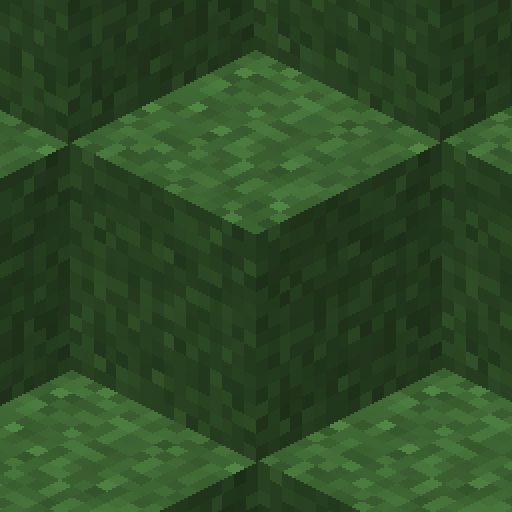
Fast Better Grass
by robotkoer
Makes grass and related blocks use the top texture on the sides. Works with other resource packs!

Os' Colorful Grasses
by Oslypsis
Fluffier grasses! Tall, short, or original X style versions available, as well as a mix of the three for the optimal balance of visuals & performance. Get the full version on Patreon!

Cubic Sun & Moon
by JoeFly
Recreates the Sun and the Moon in 3D and is compatible with mods that add sky features.

Recolourful Containers GUI + HUD
by Vi_Tul
Do you want more immersive, more interesting, more colourful GUIs and HUD? Than this pack is for you!
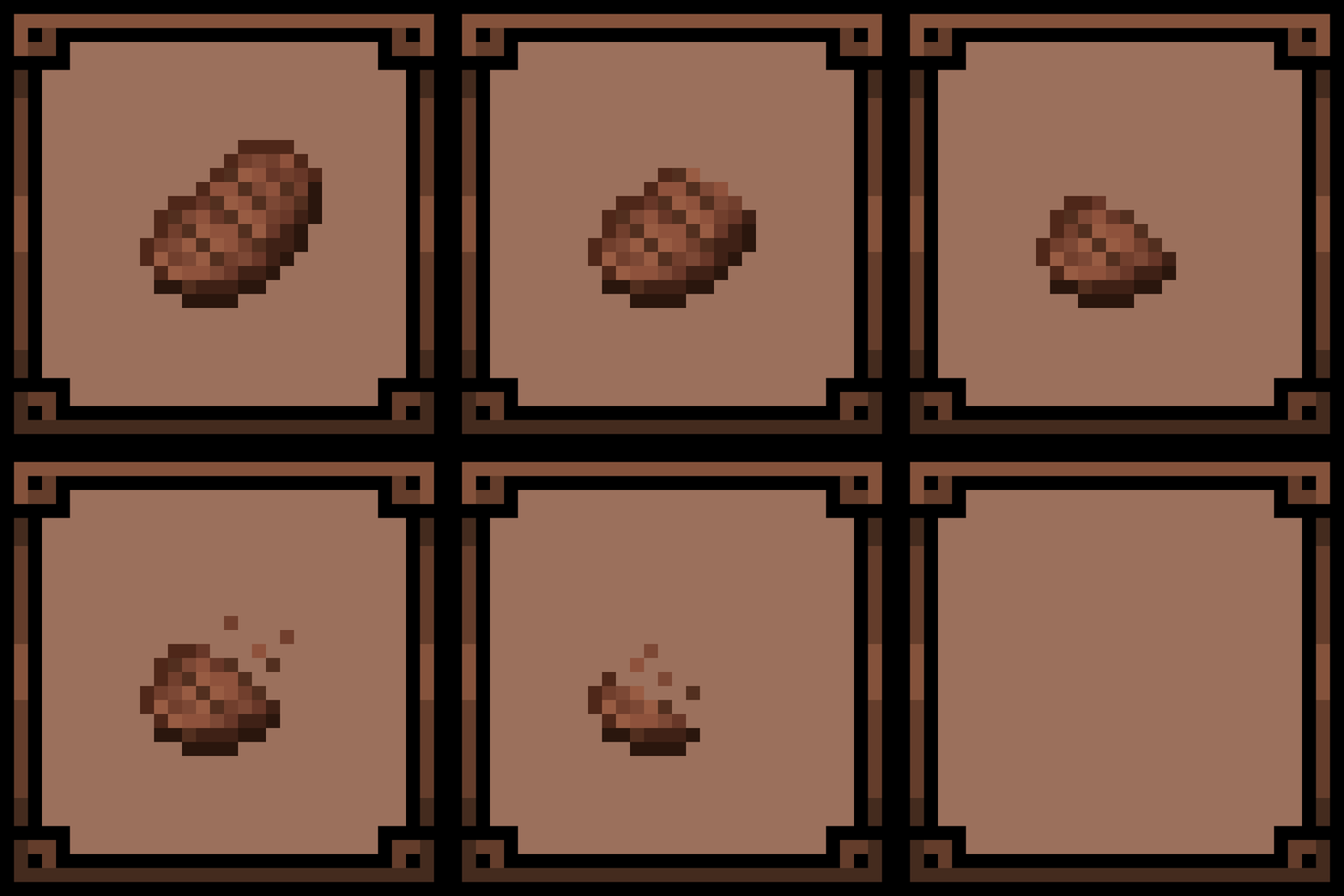
Theone's Eating Animation Pack
by theoness1
A texture pack that adds sprite animations for edible and drinkable items.

Teddy Totems
by nino
Always have a cute little teddy friend in your off-hand :D