

VeinMiner
Datapack · by Miraculixx · 106.9M downloads · Minecraft 26.3
What does VeinMiner do?
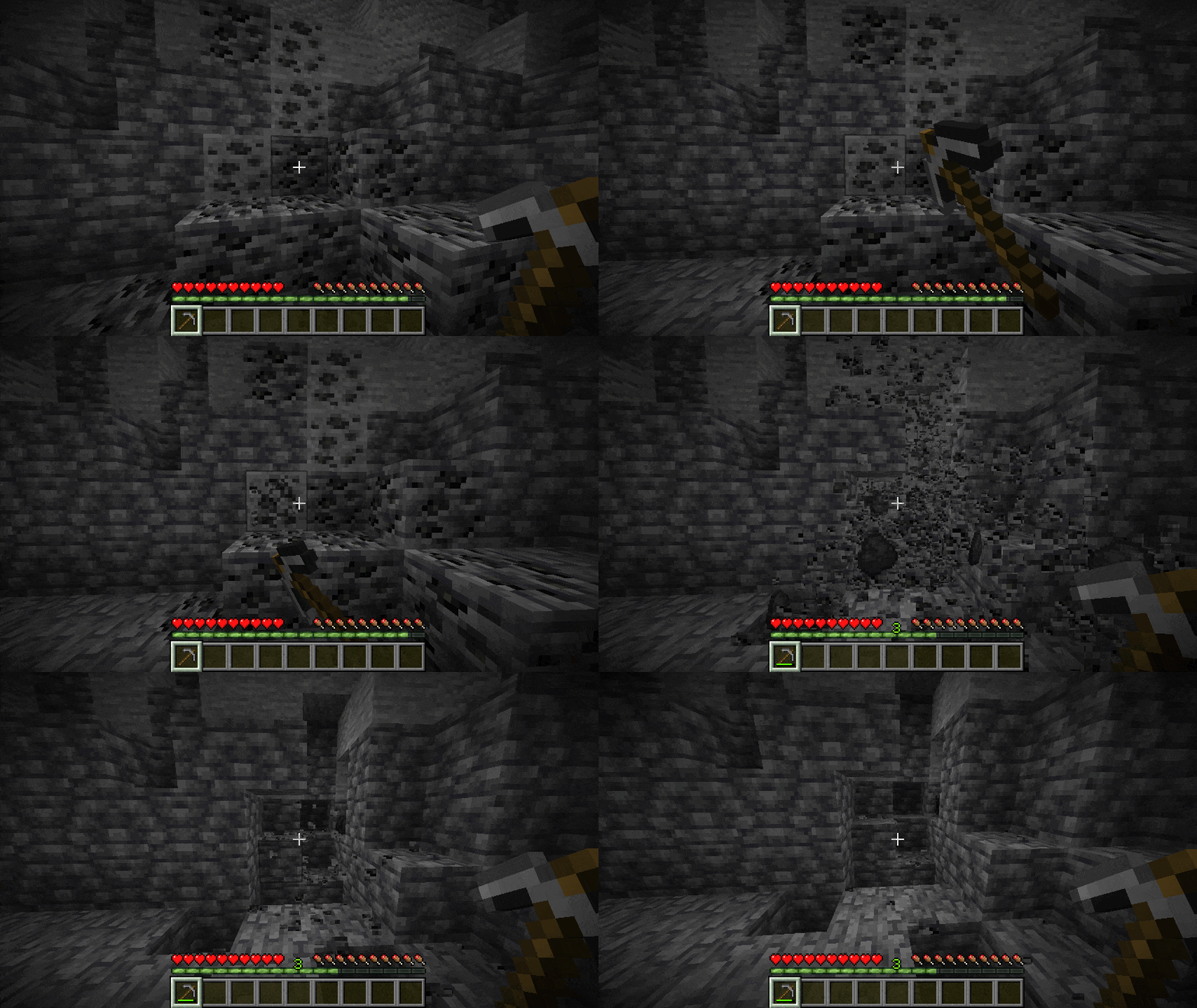
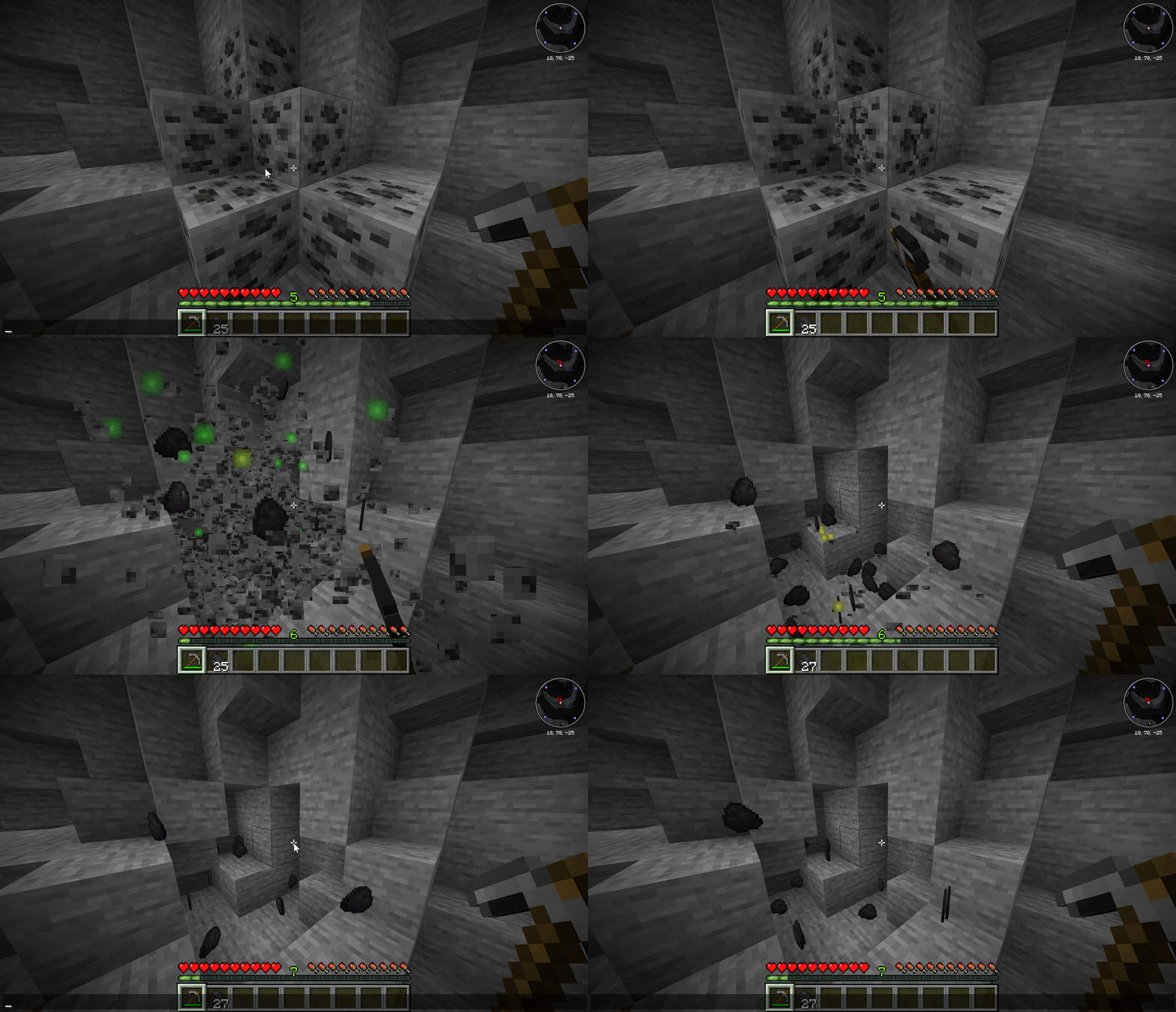
Break one block of an ore vein and VeinMiner breaks every connected block of the same type for you. Instead of chipping away at a big iron or coal deposit block by block, one swing clears it – turning the most repetitive part of survival into something quick and satisfying. It is highly configurable and runs entirely on the server side, so every client can use it, even on a server people join with an unmodded game. Addons even work across different loaders and versions.
Two editions
| Datapack (1.x) | Mod / plugin (2.x) | |
|---|---|---|
| Install | Drop into the world's datapacks folder | Fabric, Quilt, NeoForge mod or Paper, Purpur, Folia plugin |
| Works on | Any server or world, vanilla and snapshots | Only the platforms above |
| Setup | Chat menu via a function command | Full /veinminer command set |
Both come preconfigured for ores and pickaxes. Mod builds need Fabric API and Fabric Language Kotlin on Fabric, or KotlinLangForge on NeoForge. The plugin build is listed separately as VeinMiner for servers.
Commands in 2.x
| Command | Permission | Purpose |
|---|---|---|
/veinminer blocks | veinminer.blocks | Blocks any tool can vein-mine |
/veinminer groups | veinminer.groups | Groups of blocks and tools with their own rules |
/veinminer toggle | veinminer.toggle | Turns VeinMiner on or off for the whole server |
/veinminer settings | veinminer.settings | Cooldown, chain size and other options |
/veinminer presets | veinminer.groups | Applies ready-made groups and settings |
Operators have every permission automatically. To hand out individual permissions use LuckPerms – not yet supported on NeoForge.
Settings and defaults (2.x)
Type /veinminer settings <name> <value> to change one, or leave out the value to see what it is now.
| Setting | Default | Effect |
|---|---|---|
mustSneak | false | Vein-mining only while crouching |
cooldown | 20 ticks | Wait before a player can vein-mine again |
delay | 1 tick | Pause between each automatic break |
maxChain | 100 | Most blocks one break can trigger |
needCorrectTool | true | Blocks that need a tool must be mined with it |
searchRadius | 1 (max 5) | How far around each block to look for more |
permissionRestricted | false | Only players with veinminer.use may vein-mine |
mergeItemDrops | false | Collect all drops at the first block |
autoUpdate | true | Checks for and downloads new versions |
durabilityDecrease | true | Each extra block costs durability |
miningSpeedModifier | 0.0 | Bigger veins take longer to break |
hungerPerBlock | 0.0 | Saturation drained per block (vanilla breaking uses 0.005) |
Block groups
A group bundles several blocks that should be treated as one vein, and can restrict which tools work on them. A block may belong to several groups.
- Create one with
/veinminer groups create <name> [blocks…]. - Add or remove blocks with
/veinminer groups edit <name> add-block <block>andremove-block. - Limit tools with
add-tool <item>andremove-tool. A group with no tools accepts any tool. If a block sits in several groups, the tools of all of them are combined – but one tool-limited group is enough to restrict it, so a block in an "any tool" group and an "axes only" group can only be vein-mined with axes.
For a tree-felling group called Trees, you would create it, add the block tag #minecraft:logs, then add the item tag #minecraft:axes as its tool. Tags work in every block and item field; find a block's ID and tags on the F3 screen under "Targeted Block", or check the wiki. You can also edit veinminer/default_groups.json directly – inside config/ for the mod or plugins/ for the plugin.
Overrides (advanced)
Overrides replace a normal setting for certain players or blocks:
- Client overrides apply to anyone using the hotkey addon – for example require sneaking for everyone except hotkey users via
/veinminer settings client override mustSneak false. - Group overrides apply when mining a block from a given group – for example keep durability loss on globally but turn it off for a shovel group. If a block is in several groups, the oldest group's override wins.
Priority goes normal setting, then client, then group. Remove one with override unset <setting>.
The datapack version (1.x)
With OP or cheats, run /function veinminer:_config to open a clickable chat menu. When it asks for something like {category:"pickaxe", namespace:"", id:""}, fill in the namespace and ID of the block or item – press F3+H to show IDs in tooltips. Sand, for example, is namespace minecraft and id sand.
Useful addons
- VeinMiner Hotkey – a client mod that only vein-mines while you hold a key and highlights what will break.
- VeinMiner Enchantment – limits vein mining to tools carrying a special enchantment.
Good to know
- Your tool must normally be able to mine the block (in 2.x this can be switched off).
- VeinMiner itself is lightweight, but breaking abnormally large veins spawns a lot of items, which can lag both client and server.
- Help and ideas go to the project's Discord. The code is AGPL-3.0, and the author forbids reuploads or forks on Modrinth and CurseForge.
FAQ
Do players need to install VeinMiner?
No. VeinMiner runs on the server or in your world, so any client can join and use it. The optional hotkey addon is the only part that goes on the player's game.
What is the difference between VeinMiner 1.x and 2.x?
Version 1.x is a light datapack that works on vanilla and even snapshots. Version 2.x is a fully configurable mod and plugin for Fabric, Quilt, NeoForge, Paper, Purpur and Folia, with in-game commands.
How do I make VeinMiner work on logs?
In version 2.x create a block group, add the logs tag and limit it to axes with the veinminer groups commands. Both versions come preset for ores and pickaxes.
How do I open the VeinMiner datapack settings?
With OP or cheats enabled, run /function veinminer:_config to open an interactive settings menu in chat.
Gallery
Downloads by version
| Minecraft | Mod version | File | |
|---|---|---|---|
| 26.3 | 1.3.6 | 0.0 MB | Download |
| 26.2 | 1.3.5 | 0.0 MB | Download |
| 26.1.2 | 1.3.4 | 0.0 MB | Download |
| 26.1.1 | 1.3.4 | 0.0 MB | Download |
| 26.1 | 1.3.4 | 0.0 MB | Download |
| 1.21.11 | 1.3.4 | 0.0 MB | Download |
| 1.21.10 | 1.3.4 | 0.0 MB | Download |
| 1.21.9 | 1.3.4 | 0.0 MB | Download |
| 1.21.8 | 1.3.4 | 0.0 MB | Download |
| 1.21.7 | 1.3.4 | 0.0 MB | Download |
| 1.21.6 | 1.3.4 | 0.0 MB | Download |
| 1.21.5 | 1.3.4 | 0.0 MB | Download |
| 1.21.4 | 1.2.4 | 0.0 MB | Download |
| 1.21.3 | 1.2.4 | 0.0 MB | Download |
| 1.21.2 | 1.2.4 | 0.0 MB | Download |
| 1.21.1 | 1.2.4 | 0.0 MB | Download |
| 1.21 | 1.2.4 | 0.0 MB | Download |
| 1.20.4 | 1.2.1 | 0.0 MB | Download |
| 1.20.3 | 1.2.1 | 0.0 MB | Download |
| 1.20.2 | 1.2.1 | 0.0 MB | Download |
| 1.20.1 | 1.1.0 | 0.0 MB | Download |
| 1.20 | 1.1.0 | 0.0 MB | Download |
| 1.19.4 | 1.1.0 | 0.0 MB | Download |
| 1.19.3 | 1.1.0 | 0.0 MB | Download |
| 1.19.2 | 1.1.0 | 0.0 MB | Download |
| 1.19.1 | 1.1.0 | 0.0 MB | Download |
| 1.19 | 1.1.0 | 0.0 MB | Download |
| 1.18.2 | 1.1.0 | 0.0 MB | Download |
| 1.18.1 | 1.1.0 | 0.0 MB | Download |
| 1.18 | 1.1.0 | 0.0 MB | Download |
| 1.17.1 | 1.1.0 | 0.0 MB | Download |
| 1.17 | 1.1.0 | 0.0 MB | Download |
How to install this mod
- Click “Download” to get the .zip.
- Copy it into
.minecraft/saves/./datapacks - Or when creating a new world: Data Packs → drag and drop the file.
- In a running world type
/reload.
💬 Comments
🔗 Works well with

Fabric Language Kotlin
by modmuss50
This is a mod that enables usage of the Kotlin programming language for Fabric mods.

Fabric API
by modmuss50
Lightweight and modular API providing common hooks and intercompatibility measures utilized by mods using the Fabric toolchain.

VeinMiner Hotkey
by Miraculixx
Veinminer Addon - Use a hotkey to veinmine with a dynamic crosshair & block highlighting
✨ You might also like

VeinMiner Enchantment
by Miraculixx
Veinminer Addon - Adds vineminer enchantment to enchanting tables. Only tools with the enchantment can veinmine

Dynamic Lights
by Tschipcraft
Supported entities and items such as torches, lanterns, or enchanted gear emit light! Server-side!

Armor Stand Arms
by Jodek
Armor stands get arms automatically when placed

Improved Pillager Outpost
by Sashiro
The "Improved Pillager Outpost" Datapack revamps the standard Minecraft Pillager Outpost into a challenging, multi-level tower. This overhaul adds detailed architecture, tougher enemies, and exclusive loot, creating a more immersive and rewarding experie

Dungeons and Taverns
by NovaWostra
A Structure Datapack adding dungeons, taverns and other structures to find while you explore the world.

MysticMons
by iMystxc-dev
This pack includes models and animations for Pokemon currently not available in the base mod. Also enables Legendaries to spawn in the wild