
VeinMiner
Datapack · by Miraculixx · 106.9M downloads · Minecraft 26.3
What does VeinMiner do?
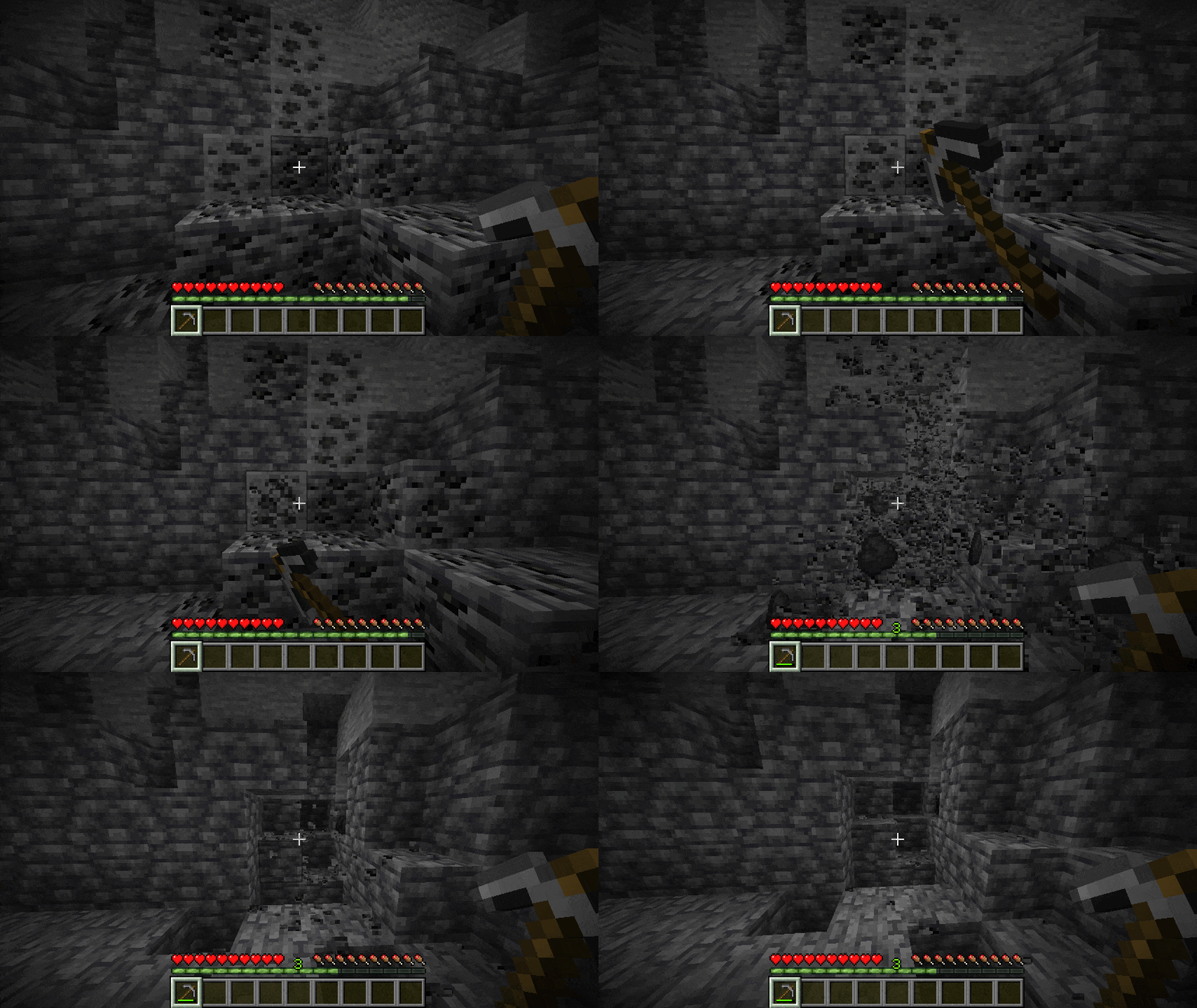
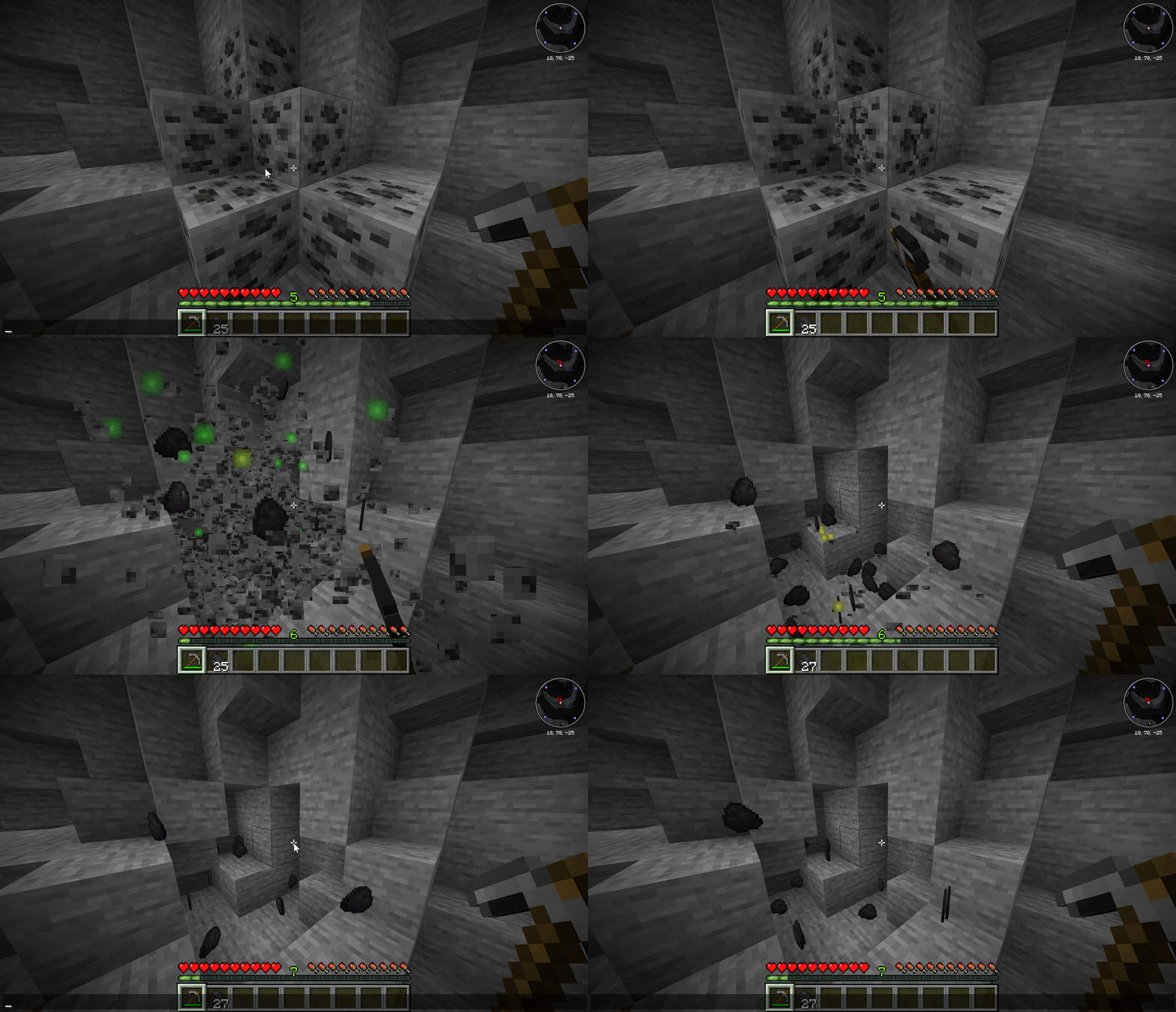
Break one block of an ore vein and VeinMiner breaks every connected block of the same type for you. Instead of chipping away at a big iron or coal deposit block by block, one swing clears it. It is a popular alternative to FTB Ultimine, and it works without players installing anything.
Two editions
| Datapack (1.x) | Mod / plugin (2.x) | |
|---|---|---|
| Install | Drop into the world's datapacks folder | Fabric, Quilt, NeoForge, Paper, Purpur, Folia |
| Setup | Preconfigured for ores and pickaxes | Configurable in-game with /veinminer |
| Snapshots | Supported | Follows releases |
Mod builds need Fabric API and Fabric Language Kotlin on Fabric, or KotlinLangForge on NeoForge. The plugin build is listed separately as VeinMiner for servers.
What you can configure (2.x)
- Block groups – choose which blocks count as one vein and which tools may mine them, using tags such as
#minecraft:logs. - Limits – maximum blocks per vein, cooldown between uses, delay between breaks and search radius.
- Balance – require sneaking, require the correct tool, keep durability loss per block, add hunger cost or slower mining for big veins.
- Drops – optionally merge all drops at the first block.
- Permissions – restrict use to players with
veinminer.useon servers using LuckPerms.
Useful addons
- VeinMiner Hotkey – a client mod that only vein-mines while you hold a key and shows a preview of what will break.
- VeinMiner Enchantment – makes vein mining a tool enchantment rather than a free ability.
FAQ
Do players need to install VeinMiner?
No. VeinMiner runs on the server or in your world, so any client can join and use it. The optional hotkey addon is the only part that goes on the player's game.
What is the difference between VeinMiner 1.x and 2.x?
Version 1.x is a light datapack that also works on snapshots. Version 2.x is a fully configurable mod and plugin for Fabric, Quilt, NeoForge, Paper, Purpur and Folia, with in-game commands.
How do I make VeinMiner work on logs?
In version 2.x create a block group, add the logs tag and limit it to axes with the veinminer groups commands. Both versions come preset for ores and pickaxes.
Gallery
Downloads by version
| Minecraft | Mod version | File | |
|---|---|---|---|
| 26.3 | 1.3.6 | 0.0 MB | Download |
| 26.2 | 1.3.5 | 0.0 MB | Download |
| 26.1.2 | 1.3.4 | 0.0 MB | Download |
| 26.1.1 | 1.3.4 | 0.0 MB | Download |
| 26.1 | 1.3.4 | 0.0 MB | Download |
| 1.21.11 | 1.3.4 | 0.0 MB | Download |
| 1.21.10 | 1.3.4 | 0.0 MB | Download |
| 1.21.9 | 1.3.4 | 0.0 MB | Download |
| 1.21.8 | 1.3.4 | 0.0 MB | Download |
| 1.21.7 | 1.3.4 | 0.0 MB | Download |
| 1.21.6 | 1.3.4 | 0.0 MB | Download |
| 1.21.5 | 1.3.4 | 0.0 MB | Download |
| 1.21.4 | 1.2.4 | 0.0 MB | Download |
| 1.21.3 | 1.2.4 | 0.0 MB | Download |
| 1.21.2 | 1.2.4 | 0.0 MB | Download |
| 1.21.1 | 1.2.4 | 0.0 MB | Download |
| 1.21 | 1.2.4 | 0.0 MB | Download |
| 1.20.4 | 1.2.1 | 0.0 MB | Download |
| 1.20.3 | 1.2.1 | 0.0 MB | Download |
| 1.20.2 | 1.2.1 | 0.0 MB | Download |
| 1.20.1 | 1.1.0 | 0.0 MB | Download |
| 1.20 | 1.1.0 | 0.0 MB | Download |
| 1.19.4 | 1.1.0 | 0.0 MB | Download |
| 1.19.3 | 1.1.0 | 0.0 MB | Download |
| 1.19.2 | 1.1.0 | 0.0 MB | Download |
| 1.19.1 | 1.1.0 | 0.0 MB | Download |
| 1.19 | 1.1.0 | 0.0 MB | Download |
| 1.18.2 | 1.1.0 | 0.0 MB | Download |
| 1.18.1 | 1.1.0 | 0.0 MB | Download |
| 1.18 | 1.1.0 | 0.0 MB | Download |
| 1.17.1 | 1.1.0 | 0.0 MB | Download |
| 1.17 | 1.1.0 | 0.0 MB | Download |
🛡 Files are downloaded directly from Modrinth’s servers – we never modify or rehost them. Modrinth ↗
How to install this mod
- Click “Download” to get the .zip.
- Copy it into
.minecraft/saves/./datapacks - Or when creating a new world: Data Packs → drag and drop the file.
- In a running world type
/reload.
💬 Comments
🔗 Works well with

Fabric Language Kotlin
by modmuss50
This is a mod that enables usage of the Kotlin programming language for Fabric mods.

Fabric API
by modmuss50
Lightweight and modular API providing common hooks and intercompatibility measures utilized by mods using the Fabric toolchain.

VeinMiner Hotkey
by Miraculixx
Veinminer Addon - Use a hotkey to veinmine with a dynamic crosshair & block highlighting
✨ You might also like
VeinMiner Enchantment
by Miraculixx
Veinminer Addon - Adds vineminer enchantment to enchanting tables. Only tools with the enchantment can veinmine

Dynamic Lights
by Tschipcraft
Supported entities and items such as torches, lanterns, or enchanted gear emit light! Server-side!

Armor Stand Arms
by Jodek
Armor stands get arms automatically when placed

Improved Pillager Outpost
by Sashiro
The "Improved Pillager Outpost" Datapack revamps the standard Minecraft Pillager Outpost into a challenging, multi-level tower. This overhaul adds detailed architecture, tougher enemies, and exclusive loot, creating a more immersive and rewarding experie

Dungeons and Taverns
by NovaWostra
A Structure Datapack adding dungeons, taverns and other structures to find while you explore the world.

MysticMons
by iMystxc-dev
This pack includes models and animations for Pokemon currently not available in the base mod. Also enables Legendaries to spawn in the wild