

Entity Culling
Mod · von tr7zw · 192,2 Mio. Downloads
Über
Entity Culling ist ein Mod für Minecraft Java rund um Optimierung, gemacht für Fabric, NeoForge, Forge und Quilt, unterstützt die Versionen 1.7.10 bis 26.3. Das Projekt stammt von tr7zw und hat 192,2 Mio. Downloads auf Modrinth.
Originalbeschreibung des Autors (Englisch):
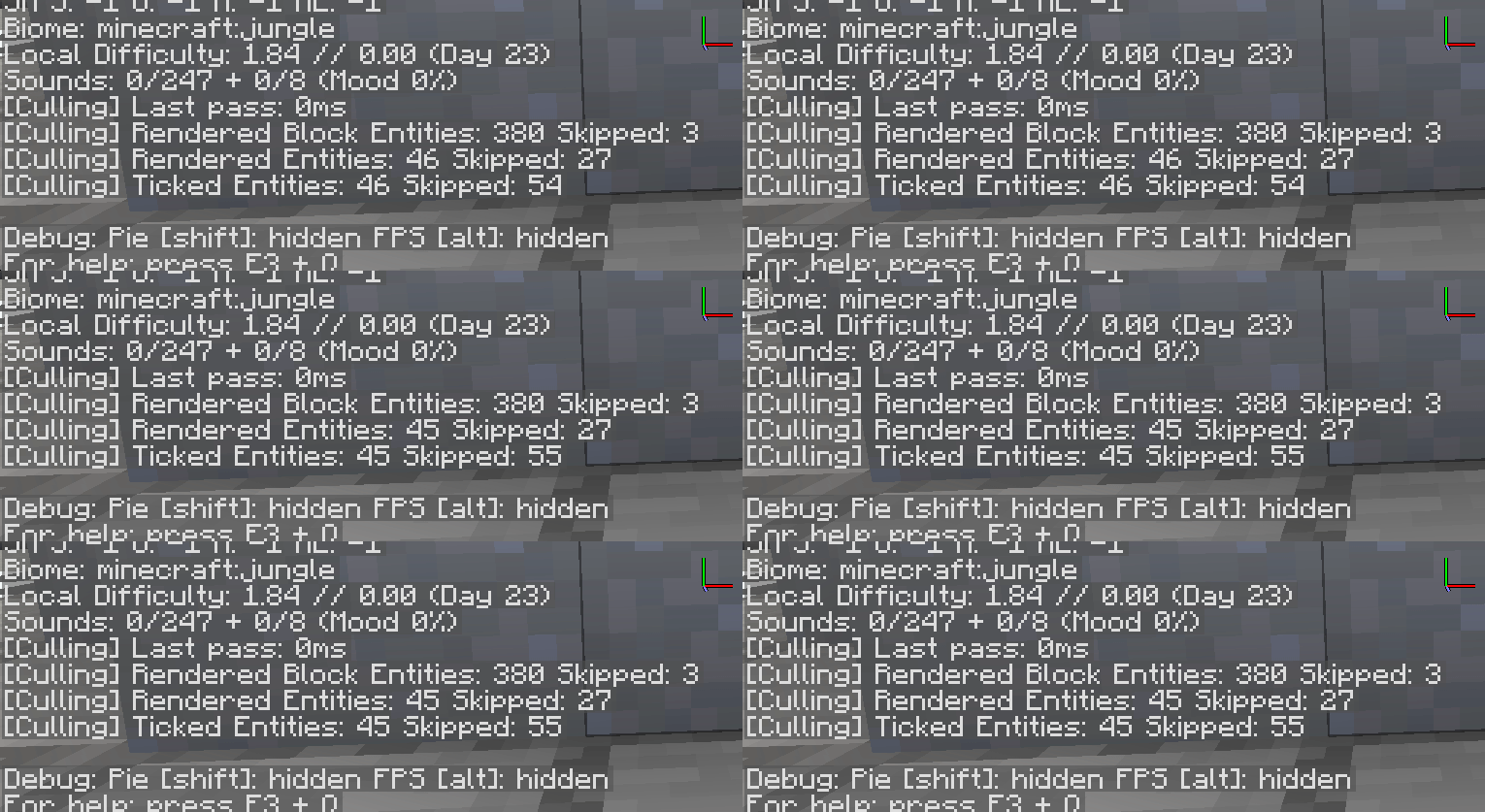
Using async path-tracing to hide Block-/Entities that are not visible
Galerie
Downloads nach Version
| Minecraft | Loader | Mod-Version | Datei | |
|---|---|---|---|---|
| 26.3 | Fabric | 1.12.2 | 1.5 MB | Download |
| 26.3 | NeoForge | 1.12.2 | 1.4 MB | Download |
| 26.2 | Fabric | 1.12.2 | 1.5 MB | Download |
| 26.2 | NeoForge | 1.12.2 | 1.4 MB | Download |
| 26.1.2 | Fabric | 1.12.2 | 1.5 MB | Download |
| 26.1.2 | NeoForge | 1.12.2 | 1.4 MB | Download |
| 26.1.1 | Fabric | 1.12.2 | 1.5 MB | Download |
| 26.1 | Fabric | 1.12.2 | 1.5 MB | Download |
| 1.21.11 | Fabric | 1.12.2 | 1.5 MB | Download |
| 1.21.11 | NeoForge | 1.12.2 | 1.5 MB | Download |
| 1.21.10 | Fabric | 1.12.2 | 1.5 MB | Download |
| 1.21.10 | Forge | 1.12.2 | 1.5 MB | Download |
| 1.21.10 | NeoForge | 1.12.2 | 1.5 MB | Download |
| 1.21.9 | Fabric | 1.9.3 | 0.5 MB | Download |
| 1.21.9 | Forge | 1.9.3 | 0.5 MB | Download |
| 1.21.9 | NeoForge | 1.9.3 | 0.5 MB | Download |
| 1.21.8 | Fabric | 1.12.2 | 1.5 MB | Download |
| 1.21.8 | Forge | 1.12.2 | 1.5 MB | Download |
| 1.21.8 | NeoForge | 1.12.2 | 1.5 MB | Download |
| 1.21.7 | Fabric | 1.8.2 | 0.5 MB | Download |
| 1.21.7 | Forge | 1.8.2 | 0.5 MB | Download |
| 1.21.7 | NeoForge | 1.8.2 | 0.5 MB | Download |
| 1.21.6 | Fabric | 1.8.2 | 0.5 MB | Download |
| 1.21.6 | Forge | 1.8.2 | 0.5 MB | Download |
| 1.21.6 | NeoForge | 1.8.2 | 0.5 MB | Download |
| 1.21.5 | Fabric | 1.12.2 | 1.5 MB | Download |
| 1.21.5 | Forge | 1.12.2 | 1.5 MB | Download |
| 1.21.5 | NeoForge | 1.12.2 | 1.5 MB | Download |
| 1.21.4 | Fabric | 1.12.2 | 1.5 MB | Download |
| 1.21.4 | Forge | 1.12.2 | 1.5 MB | Download |
| 1.21.4 | NeoForge | 1.12.2 | 1.5 MB | Download |
| 1.21.3 | Fabric | 1.12.2 | 1.5 MB | Download |
| 1.21.3 | Forge | 1.12.2 | 1.5 MB | Download |
| 1.21.3 | NeoForge | 1.12.2 | 1.5 MB | Download |
| 1.21.1 | Fabric | 1.12.2 | 1.5 MB | Download |
| 1.21.1 | Forge | 1.12.2 | 1.5 MB | Download |
| 1.21.1 | NeoForge | 1.12.2 | 1.5 MB | Download |
| 1.21 | Fabric | 1.8.2 | 0.4 MB | Download |
| 1.21 | Forge | 1.8.2 | 0.5 MB | Download |
| 1.21 | NeoForge | 1.8.2 | 0.5 MB | Download |
🛡 Die Dateien kommen direkt von den Servern von Modrinth – wir verändern sie nie und hosten sie nicht selbst.
So installierst du diesen Mod
- Installiere Fabric für die Minecraft-Version, die du spielst.
- Wähle in der Tabelle oben deine Minecraft-Version + Loader und klicke auf „Download“, um die .jar zu holen.
- Öffne
.minecraft/mods(Windows:%appdata%\.minecraftin die Adressleiste eingeben) und kopiere die Datei hinein. - Starte den Launcher, wähle das Fabric-Profil und klicke auf Spielen.
💬 Kommentare
📰 Neueste Artikel
- Unterstützt
- 1.7.10 – 26.3
- Client
- erforderlich
- Server
- nicht nötig
- Lizenz
- LicenseRef-tr7zw-Protective-License
- Aktualisiert
- Quellcode
- GitHub ↗